iMac Fusion Drive Failure: Symptoms and Data Risk
Fusion Drives combine two storage devices, which changes diagnosis, replacement and data recovery.
Stop and seek help: Disconnect power if you notice battery swelling, liquid exposure, smoke, a burning smell, severe heat or damaged charging contacts.
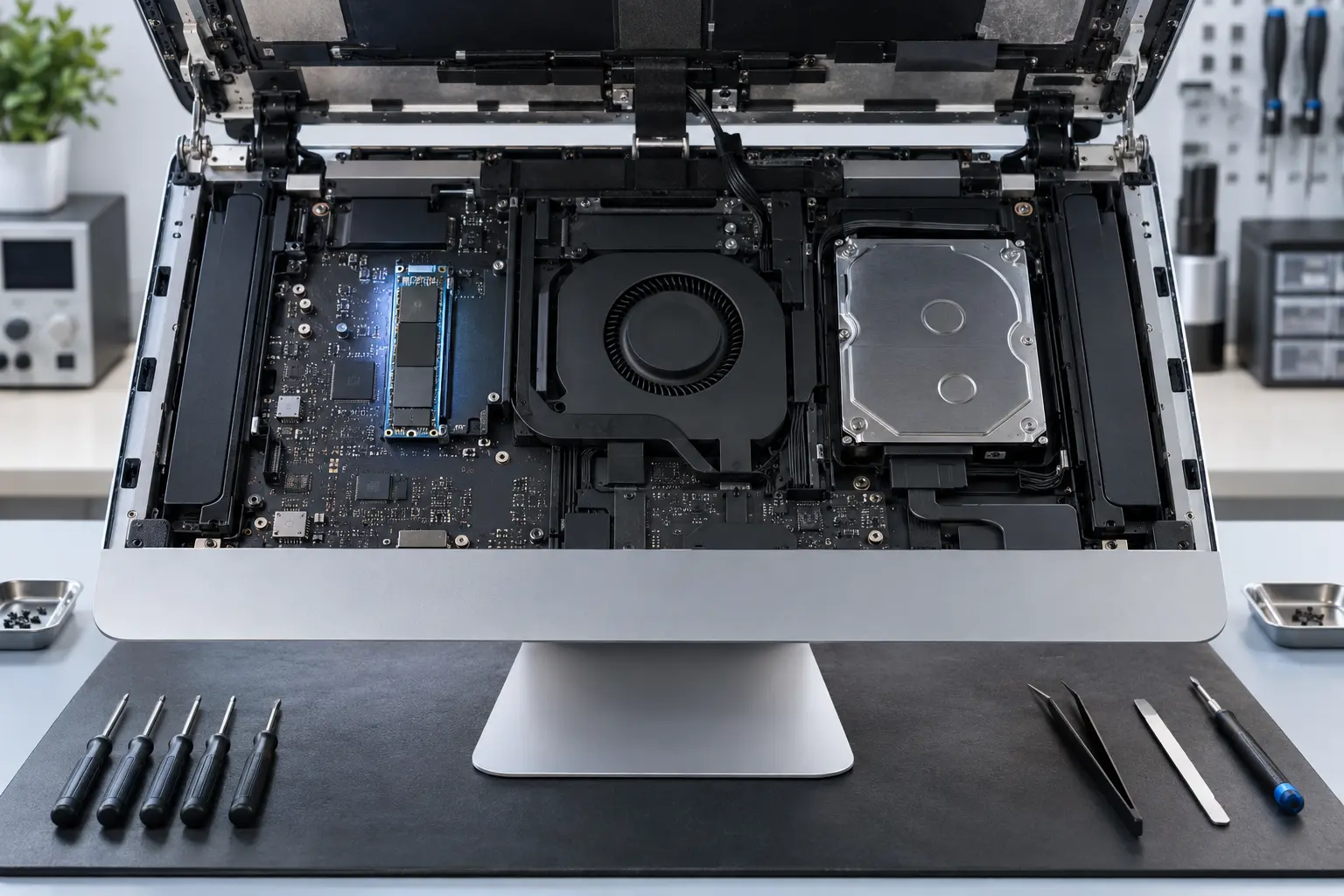
Recognize the combined design
A Fusion Drive pairs flash storage with a hard drive as one logical volume. Failure of either member can damage the combined volume even when the other physical device still works.
Back up at the first warning
Long boot times, beachballs, repeated disk repair messages and missing files justify an immediate verified backup. Heavy repair scans can stress a failing hard drive.
Do not split or erase casually
Terminal commands used to rebuild a Fusion Drive can erase both components. If data matters, recovery decisions must come before re-creating the volume or reinstalling macOS.
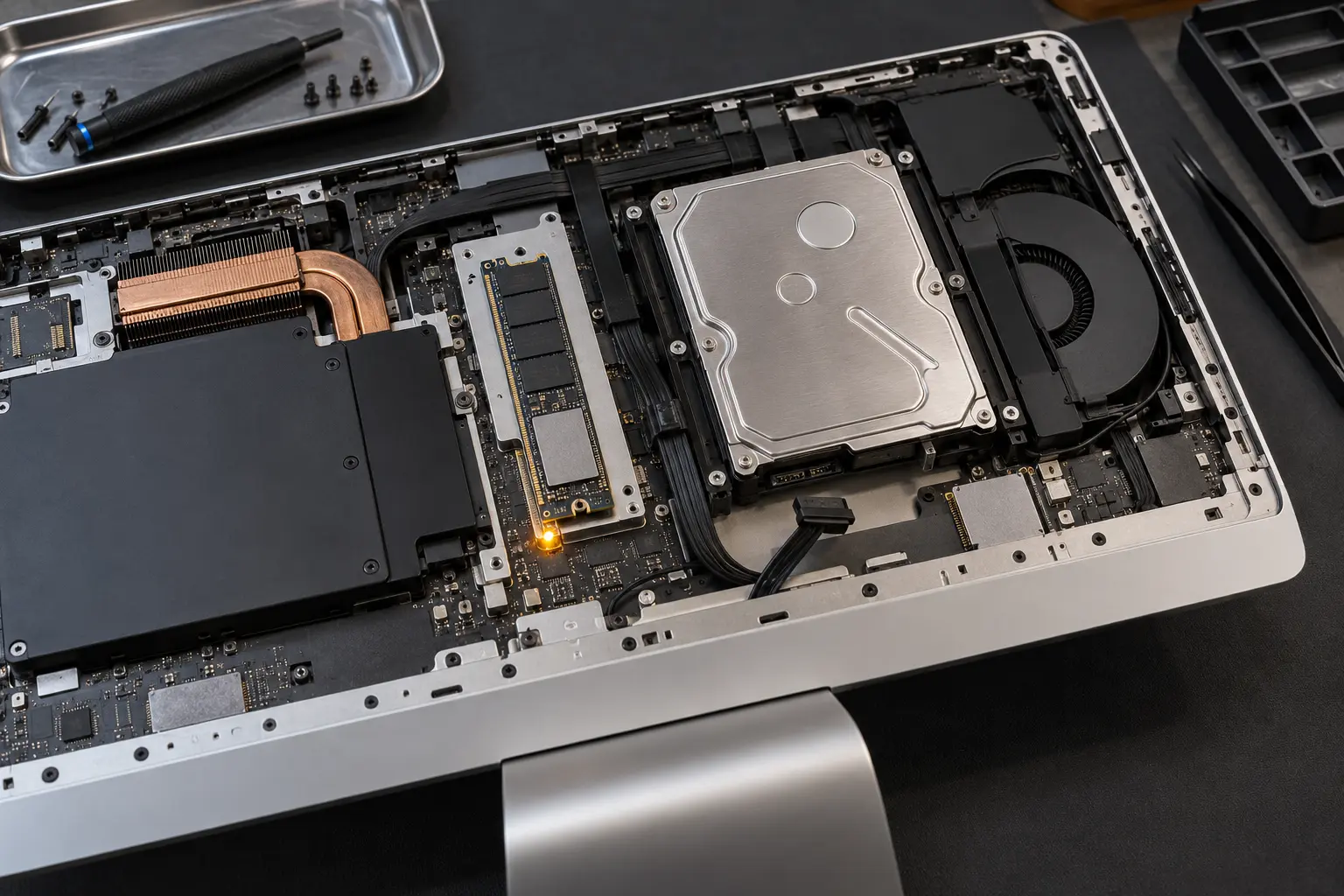
Consider an SSD replacement path
A compatible SSD upgrade can remove the mechanical-drive bottleneck. The best installation method depends on iMac generation, accessibility, storage interface and the desired capacity.
When professional diagnosis saves time
Several Mac faults create the same visible symptom. A parts-only guess can add cost without solving the cause. Macbook Repair Shop in Tampa provides a free initial diagnostic and repair estimate for MacBook and iMac service. The shop is at 104 E Fletcher Ave, Tampa, FL 33612 and can be reached at (813) 461-4141.
Recommended next step: If the safe checks above do not identify a simple accessory or software issue, call Macbook Repair Shop before repeatedly powering, erasing or opening the device.