MacBook Data Recovery: What Is and Is Not Possible
Understand soldered storage, encryption, backups and why repair strategy matters when files are the priority.

Stop and seek help: Disconnect power if you notice battery swelling, liquid exposure, smoke, a burning smell, severe heat or damaged charging contacts.
Identify the storage design
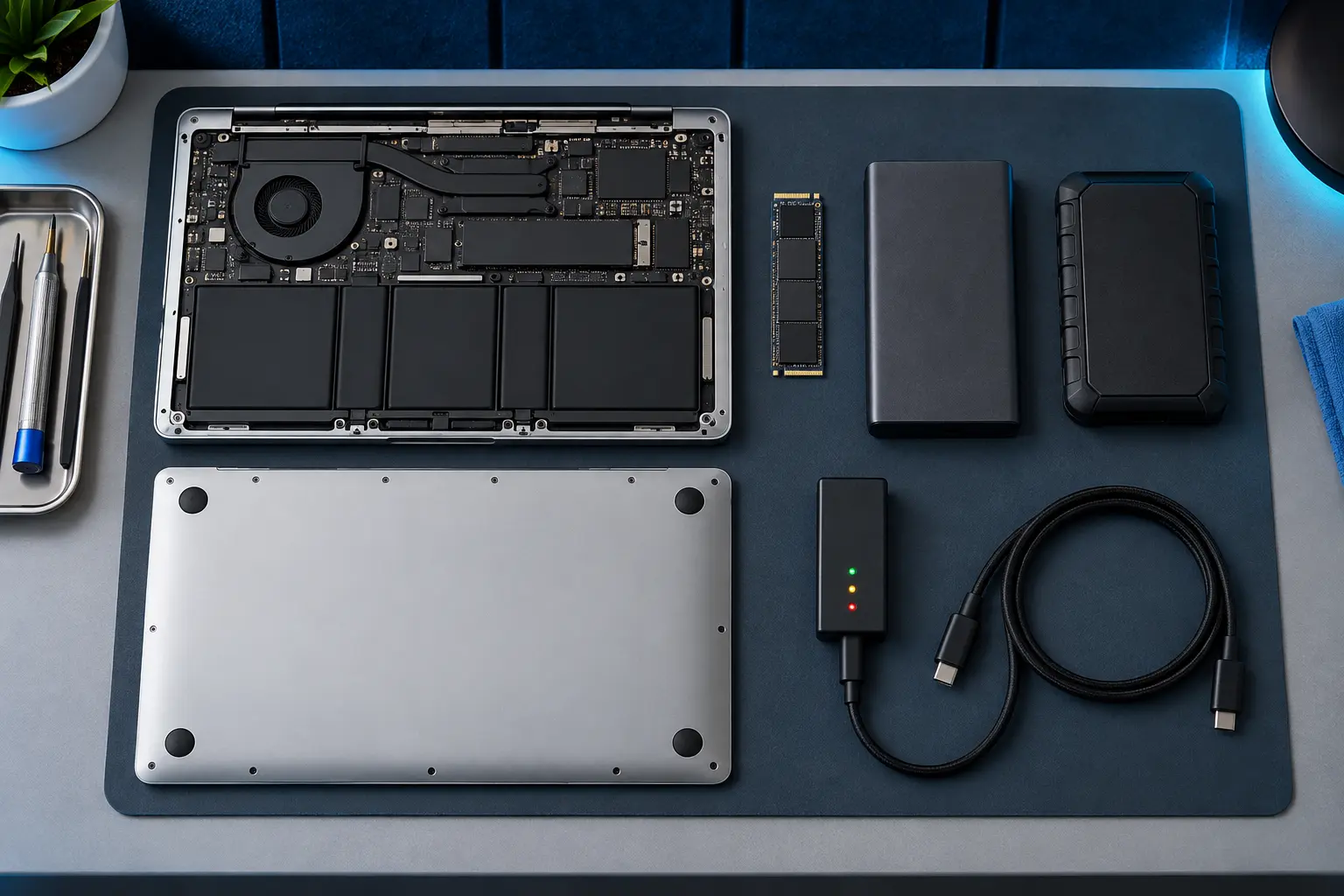
Many recent MacBooks store data on chips soldered to the logic board. Removing a drive is not an option. Older models may have a removable SSD. The model and failure mode determine the recovery route.
Know what encryption changes
FileVault and hardware-backed encryption protect data but require the correct credentials and functioning security hardware. A recovered storage chip alone may not contain independently readable files on modern models.
Avoid destructive recovery attempts
Do not erase the Mac, reinstall macOS or repeatedly run repair utilities on failing storage before deciding whether the files matter more than the computer. Those steps can change data structures.
Choose the goal before the repair
Tell the shop whether you need the Mac working, the data recovered or both. Sometimes temporary board repair is used only to access encrypted data. A clear priority prevents the wrong service path.
When professional diagnosis saves time
Several Mac faults create the same visible symptom. A parts-only guess can add cost without solving the cause. Macbook Repair Shop in Tampa provides a free initial diagnostic and repair estimate for MacBook and iMac service. The shop is at 104 E Fletcher Ave, Tampa, FL 33612 and can be reached at (813) 461-4141.
Recommended next step: If the safe checks above do not identify a simple accessory or software issue, call Macbook Repair Shop before repeatedly powering, erasing or opening the device.