MacBook Keyboard Keys Not Working or Repeating
Troubleshoot isolated keys, repeating input, backlight problems and spill-related keyboard failure.
Stop and seek help: Disconnect power if you notice battery swelling, liquid exposure, smoke, a burning smell, severe heat or damaged charging contacts.
Determine whether the issue is physical
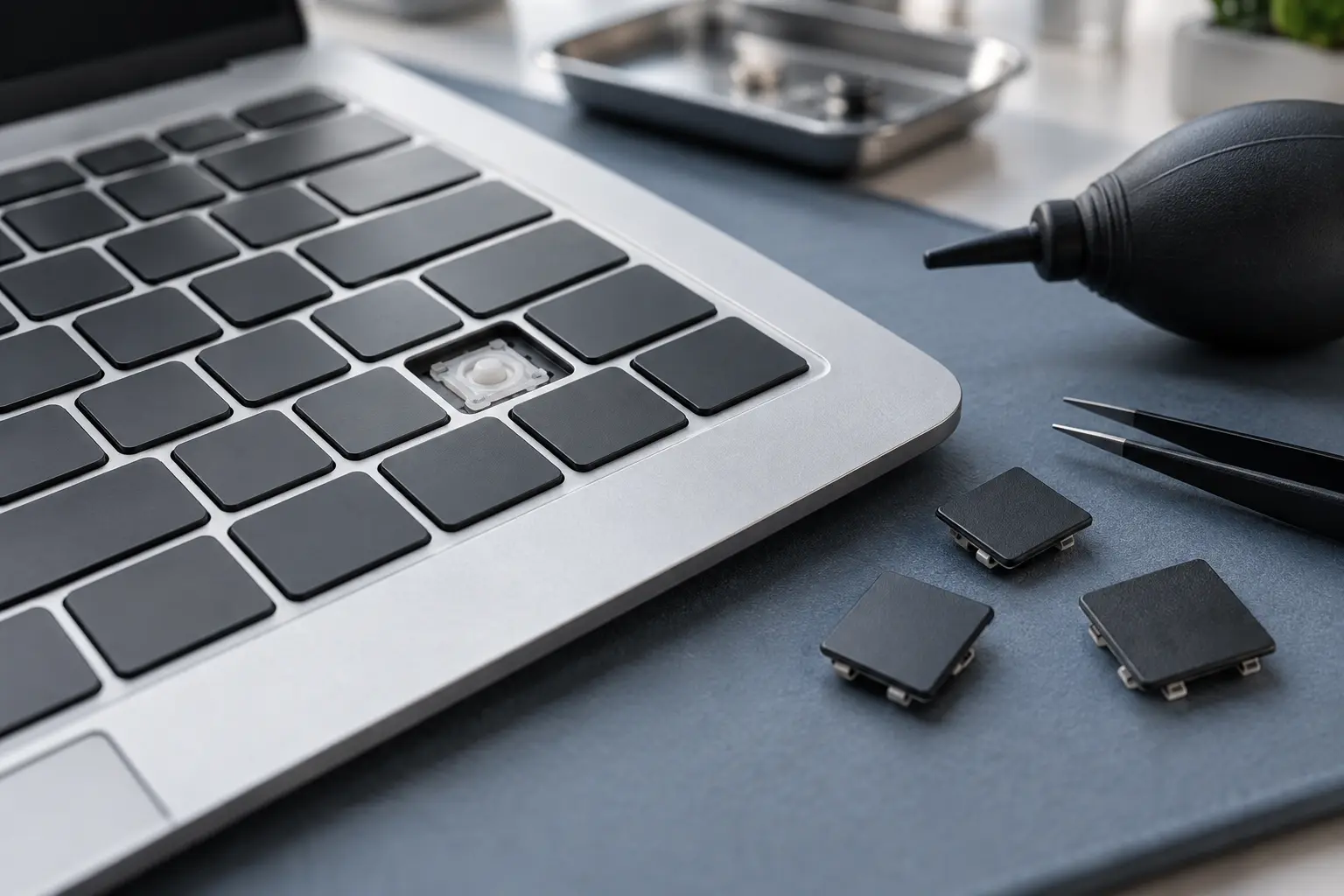
Test in more than one application. If the same key fails everywhere, inspect for debris or a changed key feel. If many keys fail in a pattern, a connector, top-case circuit or liquid path may be involved.
Use an external keyboard as a comparison
A wired or Bluetooth keyboard can help you log in and determine whether macOS accepts normal input. It does not repair the internal keyboard, but it helps separate software settings from internal hardware.
Treat spill symptoms seriously
Sticky keys after coffee, soda or water are not only a cosmetic problem. Liquid can travel below the key mechanism and reach the keyboard matrix or logic board. Do not flood the keyboard with cleaner.
Understand repair construction
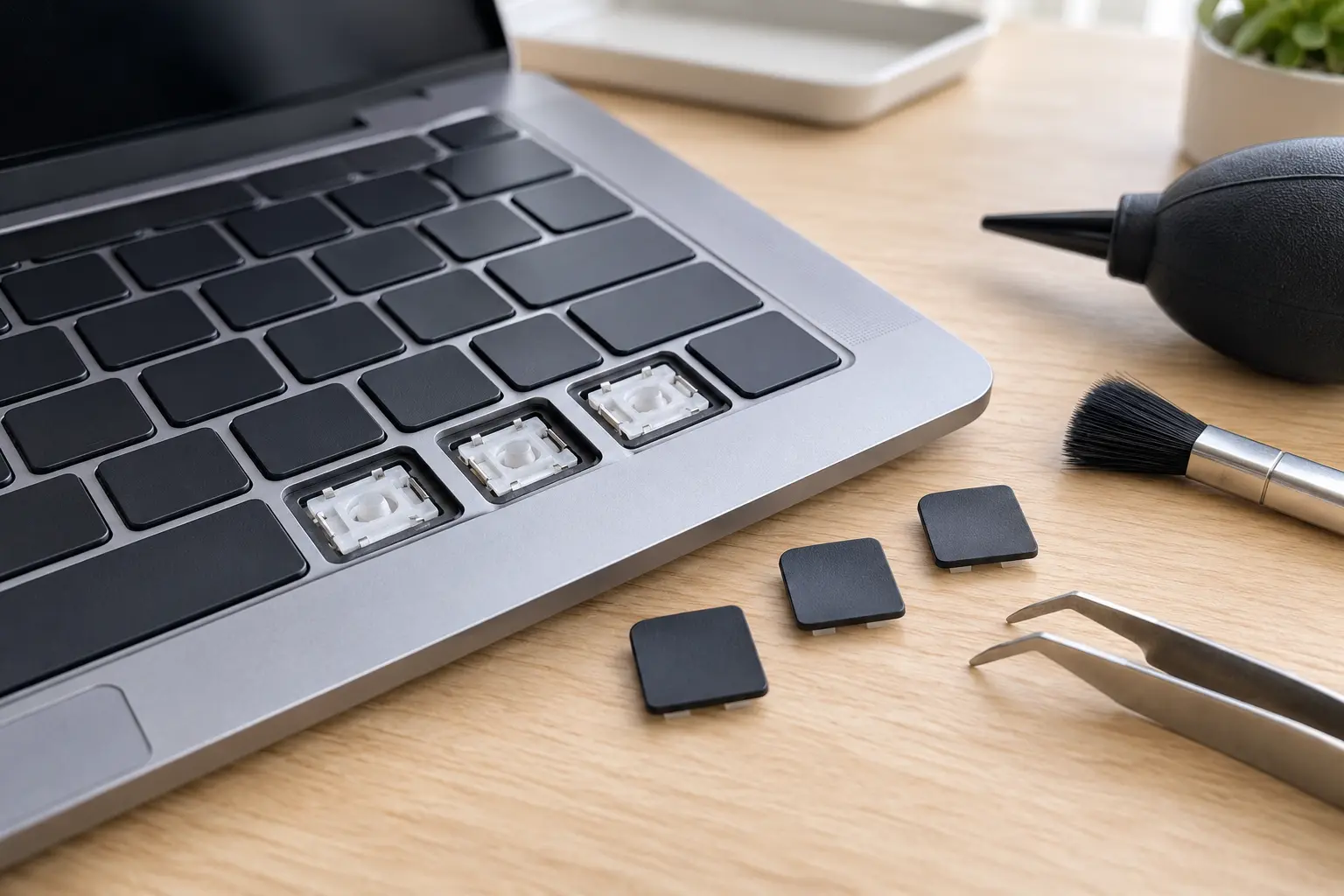
Some MacBook keyboards are integrated into the top case and require extensive disassembly. Others may support a keyboard-only procedure. Model, layout and physical condition affect the correct repair.
When professional diagnosis saves time
Several Mac faults create the same visible symptom. A parts-only guess can add cost without solving the cause. Macbook Repair Shop in Tampa provides a free initial diagnostic and repair estimate for MacBook and iMac service. The shop is at 104 E Fletcher Ave, Tampa, FL 33612 and can be reached at (813) 461-4141.
Recommended next step: If the safe checks above do not identify a simple accessory or software issue, call Macbook Repair Shop before repeatedly powering, erasing or opening the device.