MacBook Won’t Turn On? A Safe Diagnostic Guide
Learn what a black screen, no charging response and startup sounds can tell you before repair.
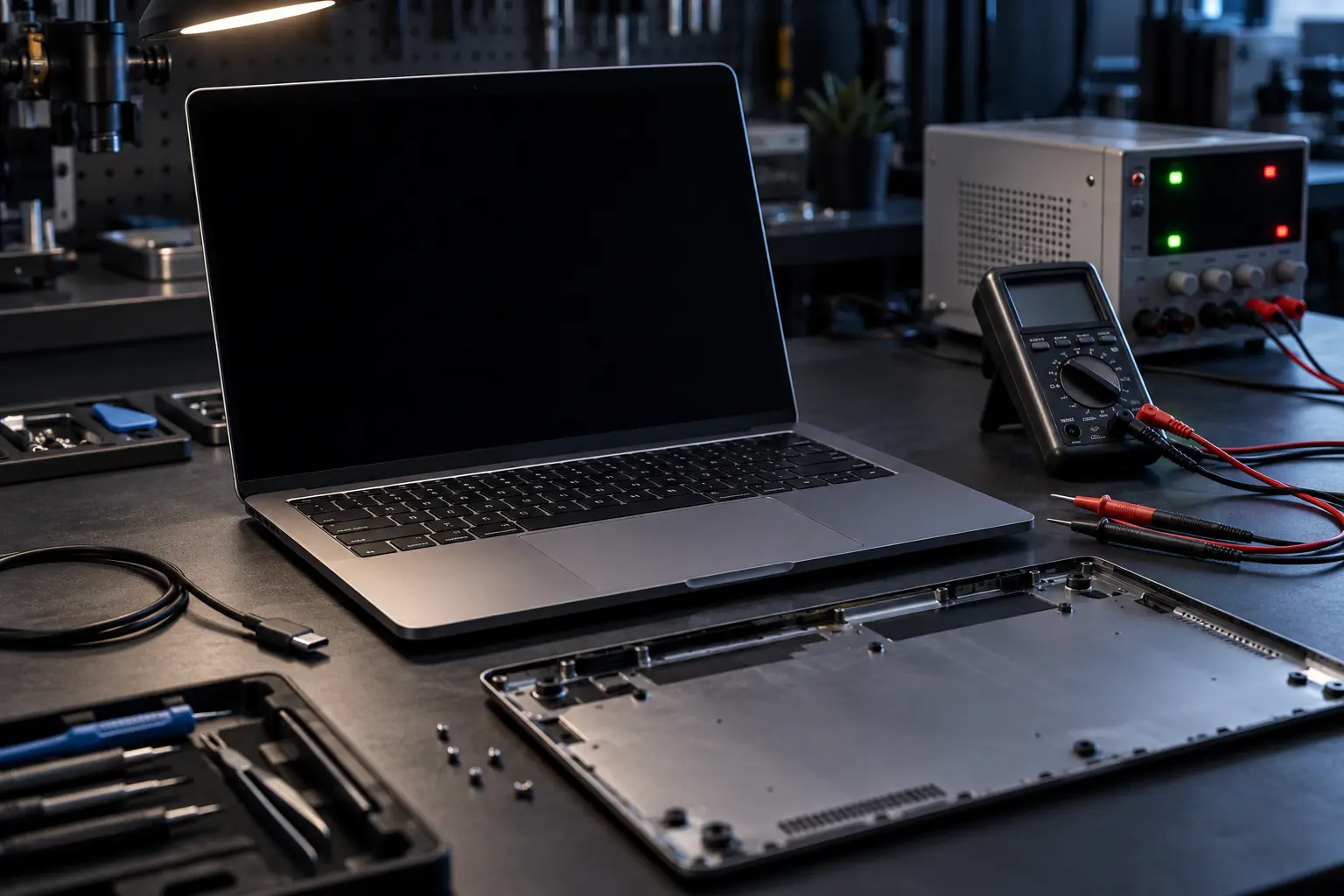
Stop and seek help: Disconnect power if you notice battery swelling, liquid exposure, smoke, a burning smell, severe heat or damaged charging contacts.
Check whether the Mac is truly off
A black display does not always mean the computer has no power. Listen for a startup chime, fan movement or notification sounds. Shine a flashlight across the screen to look for a very faint image. If an external display works, the likely path is different from a Mac with no power activity at all.
Test power without creating new damage
Use a known-compatible charger and cable. Inspect USB-C or MagSafe connections for debris, looseness or heat damage. Do not push metal into a port. Disconnect accessories, hold the power button for ten seconds, release it, then try once more. Repeated attempts after liquid exposure can worsen board damage.
Understand the likely fault groups
A no-power MacBook may have a failed charger, USB-C input board, battery, display, firmware problem or logic-board power fault. Apple-silicon and Intel models also use different recovery procedures. The symptom alone cannot identify the failed component.
Protect data and decide the next step
If files are important, say so before approving board replacement or storage-related work. On many modern MacBooks, storage is soldered to the logic board, so restoring board function may be central to data recovery.
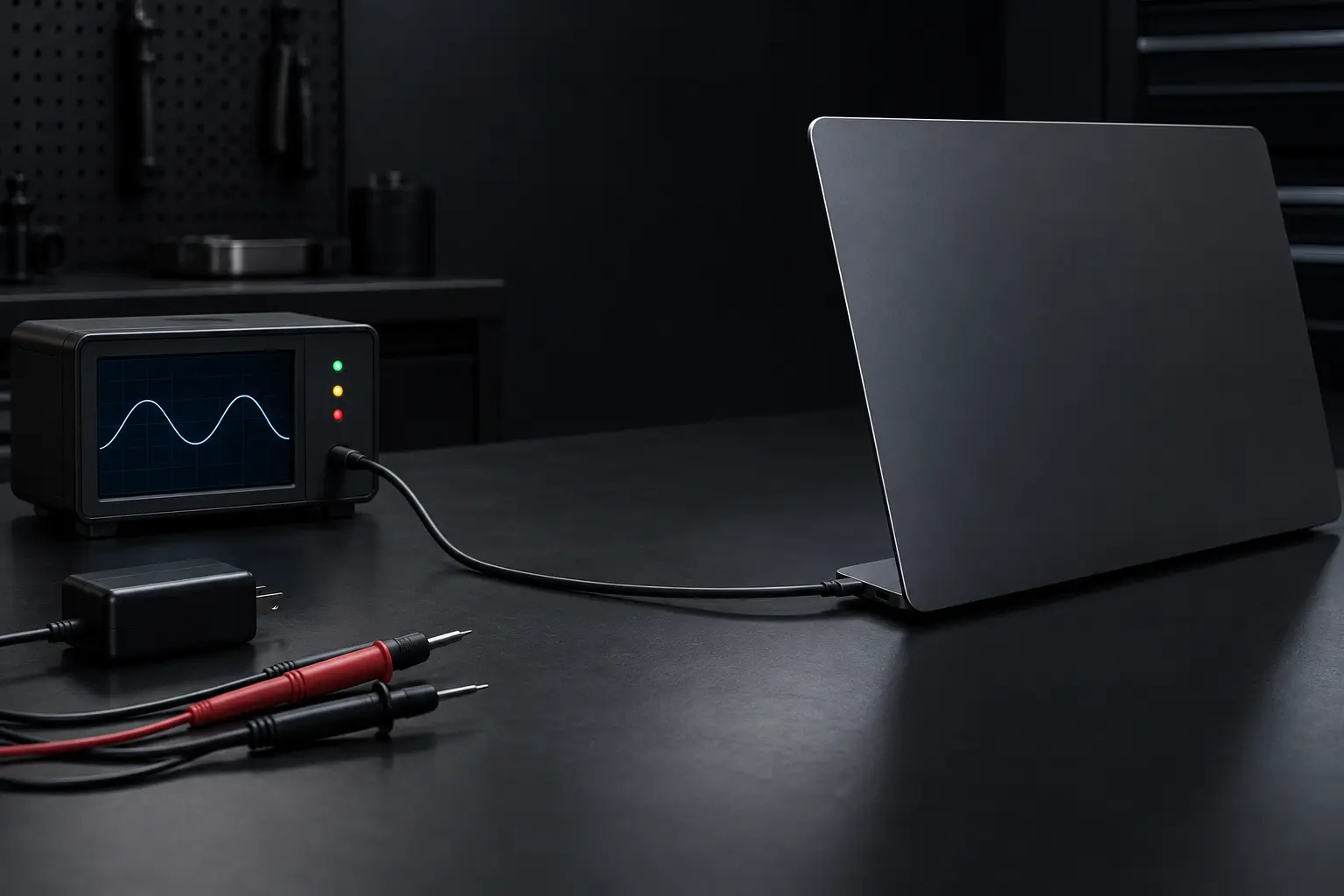
When professional diagnosis saves time
Several Mac faults create the same visible symptom. A parts-only guess can add cost without solving the cause. Macbook Repair Shop in Tampa provides a free initial diagnostic and repair estimate for MacBook and iMac service. The shop is at 104 E Fletcher Ave, Tampa, FL 33612 and can be reached at (813) 461-4141.
Recommended next step: If the safe checks above do not identify a simple accessory or software issue, call Macbook Repair Shop before repeatedly powering, erasing or opening the device.